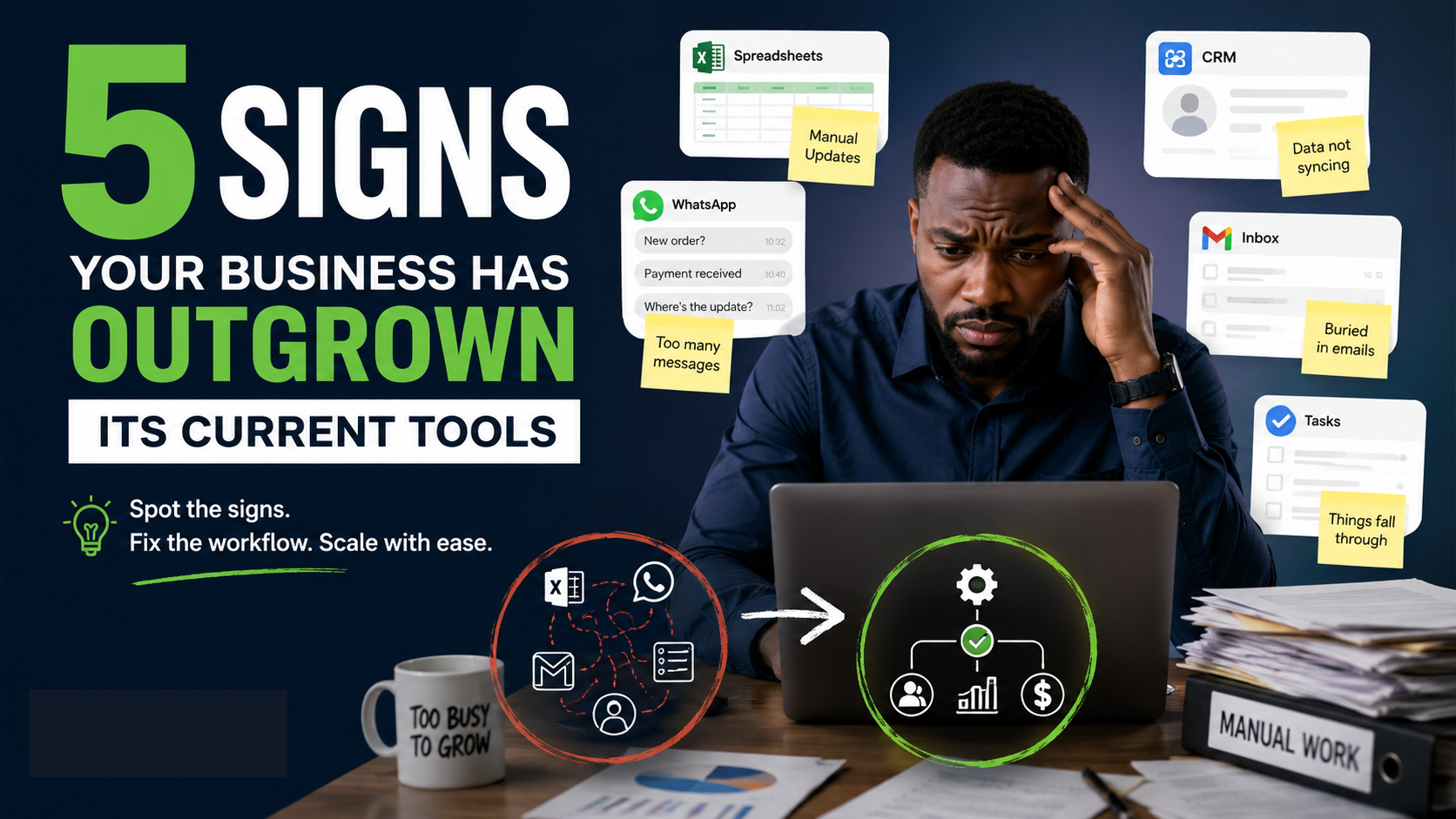
Your business doesn't have to be huge before your tools start holding you back.
You might already use Google Workspace, a CRM, spreadsheets, WhatsApp, accounting software, project management tools, or other digital platforms. On paper, everything looks organized.
But behind the scenes, your team may still be copying information from one place to another, sending manual reminders, checking spreadsheets for updates, or waiting for one person to complete a task before the next person can move.
That's usually a sign that the problem isn't that you need more tools.
You need better-connected systems.
If you're wondering whether your business has reached that point, here are five signs your business needs automation.
1. Your team keeps entering the same information more than once
This is one of the clearest signs.
A customer fills out a form. Someone copies the information into a spreadsheet. Another person enters it into the CRM. Someone else sends the details to the sales team on WhatsApp.
The same information has now been handled several times.
Every manual handoff creates another opportunity for:
- Typing mistakes
- Missing information
- Delays
- Duplicate records
- Forgotten updates
If your team spends part of every day moving information between tools, there's probably a better way to handle it.
For example, when a lead submits a form, an automated workflow can capture the information, qualify the lead where appropriate, and send it to the right place without someone manually copying the details.
The goal isn't to remove people from the process.
It's to remove unnecessary repetition.
2. Your business depends on one person remembering to do something
Ask yourself:
"What happens if the person responsible for this task is unavailable tomorrow?"
If the answer is, "We have to wait for them," you may have a workflow problem.
This happens more often than business owners realize.
One employee knows which spreadsheet to update. Another person remembers to send the daily report. Someone has a personal system for following up with leads. Another team member knows how to move a request from WhatsApp into the company's records.
The process works because the person remembers it.
That's risky.
A good business system should not depend entirely on someone's memory.
Automation can handle repeatable steps in the background so the workflow keeps moving even when a particular team member is unavailable.
This doesn't mean every task should be automated.
It means important, repeatable steps shouldn't exist only inside someone's head.
3. Your team spends too much time chasing updates
"Has this been done?"
"Did the client respond?"
"Who is handling this?"
"Did you send the report?"
"Has the lead been contacted?"
If your team spends a significant amount of time asking these questions, your problem may not be communication.
It may be visibility.
When information sits in different spreadsheets, inboxes, chats, forms, and software, people have to manually check each place to understand what's happening.
That creates unnecessary work.
A connected workflow can make updates available where they're needed.
For example:
New request → assigned automatically → responsible person notified → status updated → next step triggered
Instead of someone checking five different places, the system moves information to the right place at the right time.
Your team gets more time to do the work that actually requires their judgment.
4. Small mistakes keep becoming expensive problems
Manual work doesn't always look expensive.
Copying a name from one spreadsheet to another might take 30 seconds.
Checking whether a lead has been followed up might take two minutes.
Sending a reminder might take another minute.
But repeat those actions hundreds of times and the cost starts adding up.
And the cost isn't only the time spent.
A missed follow-up can mean a lost sales opportunity.
An incorrect record can create confusion.
A forgotten task can delay a project.
A missing update can force someone else to spend time investigating what happened.
When the same type of mistake keeps happening, don't just tell your team to "be more careful."
Ask a better question:
Can the system prevent this mistake from happening in the first place?
That's where automation can be useful.
5. Adding more customers means adding more manual work
This is perhaps the biggest warning sign.
Your business is growing.
More leads are coming in.
More customers need support.
More orders need processing.
More projects need tracking.
But instead of becoming easier with scale, your operations become more complicated.
You hire another person.
Then another.
But the underlying process remains the same.
More people are simply doing more manual work.
This is where growth can become exhausting.
The real constraint may not be demand.
It may be the amount of manual work required to handle that demand.
A well-designed system can help your business handle more volume without requiring every new customer or transaction to create another manual task.
But does every business need automation?
No.
Automation isn't something you should add just because everyone is talking about AI and automation.
If your business doesn't have a repeatable process yet, there may be nothing worth automating.
And if you're still changing the way you handle a process every week, automating it too early can simply make a bad process run faster.
The better question isn't:
"What can we automate?"
Ask:
"What repeatable work is taking too much time, creating errors, or slowing the rest of the business down?"
That's a much better starting point.
What should you automate first?
Start with work that is:
Repetitive
If someone performs the same steps every day or every week, examine the process.
Rule-based
If the next action usually depends on a clear condition, it may be suitable for automation.
High-volume
A task that takes two minutes isn't necessarily a problem.
A task that takes two minutes and happens 200 times a month is different.
Prone to human error
Repeated data entry and manual handoffs are common places to look for avoidable mistakes.
Dependent on handoffs
If one person's action must happen before another person can continue, map that process carefully.
These are the areas where automation often has the clearest business case.
Don't start by buying another tool
This is where many businesses go wrong.
They notice that work is becoming difficult, so they buy another software subscription.
Then another.
Before long, they have several tools that don't communicate properly.
The business has more software but not necessarily a better system.
At Marex Ventures, the starting point is different.
We first look at how the business actually operates: the processes, the tools being used, the handoffs between people, and where repetitive manual work is happening.
The goal is to identify where automation or custom software can actually make a difference before building anything.
The resulting Systems Blueprint can include a system architecture diagram, an ROI projection, and a prioritized automation list.
That matters because sometimes the answer is automation.
Sometimes it's connecting tools you already have.
And sometimes the business needs a custom internal tool because existing software isn't enough.
Your business may not need more tools. It may need a system.
If any of these five signs sound familiar, don't immediately start searching for another app.
Look at the workflow first.
Where is your team copying information?
Where are people waiting for someone else?
Where does work stop when one person is unavailable?
Where are mistakes happening repeatedly?
Where does growth create more manual work?
Those questions will tell you much more than simply counting how many software subscriptions your business has.
The goal isn't to automate everything.
The goal is to build a business where the repeatable work is handled by systems, while your people focus on decisions, customers, problems, and work that actually needs a human.
If your business has outgrown the way it currently operates, the first step is to understand exactly what's slowing it down.
That's what a workflow audit is designed to uncover.
Marex Ventures maps your current operations, identifies bottlenecks and disconnected tools, and shows where automation or custom software can make the biggest difference.
Ready to find out what should be automated in your business? Start with your workflow, not another tool.
Frequently Asked Questions
What are the signs your business needs automation?
Common signs include repetitive data entry, too many manual handoffs, constant follow-up and status checking, recurring human errors, and increasing manual work as the business grows.
When should a small business automate?
A small business should consider automation when it has a repeatable process that consumes significant time, creates avoidable errors, or slows down other work. Business size alone isn't the deciding factor. The important question is whether there is a process worth automating.
What business processes can be automated?
Examples include lead routing and qualification, customer support, content workflows, internal workflow synchronization, and other repeatable processes where information needs to move between tools or people.
Should I automate a process before fixing it?
Usually, no. First understand the process and remove unnecessary steps. Then determine whether automation can improve what remains. Automating a poorly understood process can simply make the problem happen faster.
Do I need to replace my existing software to automate my business?
Not necessarily. In many cases, existing tools can be connected so information moves between them automatically. If existing tools cannot handle the requirement, a custom internal tool may be more appropriate.